




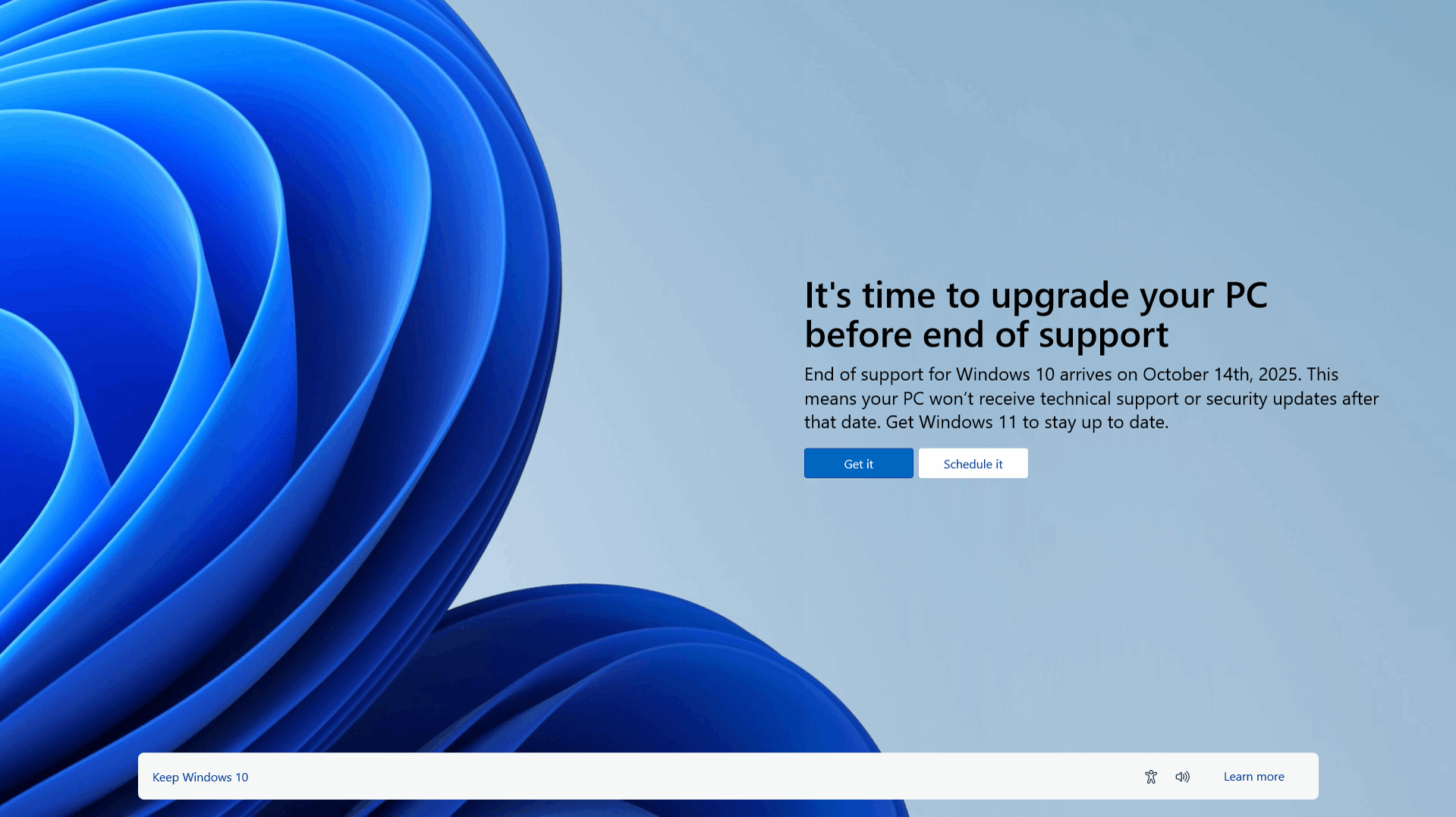
Microsoft ended support for Windows 10 on October 14, 2025. That means no more security updates, no more bug fixes, and no more official support for the operating system running on millions of PCs across Australia. If you’re still on Windows 10, here’s what that means and what to do about it.
The short version: check whether your PC can run Windows 11, then either upgrade, get your hardware updated, or switch to Linux if your machine can’t make the jump. We’ll walk you through each option below.
What Happens If You Stay on Windows 10
Your PC won’t stop working overnight, but running an unsupported operating system carries real risk:
- No more security updates. Every new vulnerability found in Windows 10 from here on stays unpatched, so your exposure to viruses and malware keeps growing.
- New software stops working properly. Developers build for Windows 11 going forward, and older apps will gradually lose compatibility.
- No new features or fixes. Windows 10 will keep feeling more outdated as the rest of the software ecosystem moves on.
Extended security updates are available for a fee, but Microsoft built that programme for enterprise customers managing large fleets of PCs. For most home and small business users, upgrading to Windows 11, or switching to Linux, covered below, is the more practical and cost-effective option.
Check If Your PC Can Run Windows 11
Before you decide anything, find out whether your current computer is even eligible for the upgrade. Windows 11 needs:
- Intel 8th Gen (or newer) or AMD Ryzen 2000 (or newer)
- TPM 2.0 enabled (check by pressing
Win + R, typingtpm.msc, and hitting enter) - UEFI and Secure Boot enabled
- At least 4GB RAM and 64GB of storage
You can also run Microsoft’s PC Health Check app, which checks your processor, RAM, storage, and TPM version against the minimum requirements automatically. If your PC fails any of these checks, you’ll need either a hardware upgrade or a new device to move to Windows 11.
Need a hand checking your PC? Contact us and we’ll take a look.
Your Upgrade Options
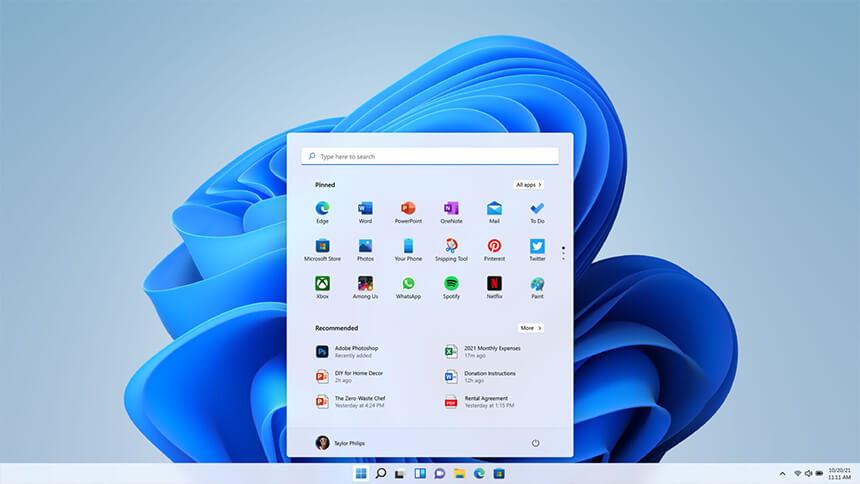
Your PC meets the requirements. We can get you moved over to Windows 11 with your files and settings intact. Get in touch and we’ll handle it.
Your PC is capable but missing TPM 2.0 or has an older CPU. If the rest of your hardware is solid, a targeted upgrade, adding a TPM module or a newer motherboard and CPU, can often get you over the line without replacing the whole machine. Talk to us about a hardware upgrade.
Your laptop or older desktop can’t be upgraded. Some machines are simply too old to meet Windows 11’s requirements. In that case, you’re choosing between a new device, switching to Linux (see below), or recycling it responsibly if it’s reached the end of its useful life. We offer e-waste recycling if you go that route.
Windows 10 vs. Windows 11 at a Glance
| Feature | Windows 10 | Windows 11 |
|---|---|---|
| Support | Ended Oct 2025 | Ongoing updates |
| Security | Limited | Improved (TPM 2.0, Secure Boot) |
| Gaming performance | Good | Better (Auto HDR, DirectStorage, DirectX 12) |
| Multitasking | Basic | Enhanced (Snap Layouts, Virtual Desktops) |
| User interface | Familiar | Modern, redesigned UI |
| Compatibility | Universal | Some older apps and hardware may not work |
Can’t Upgrade? Switch to Linux
If your PC can’t run Windows 11, you don’t have to throw it out. Windows 10’s end of support could put an estimated 240 million PCs at risk of becoming e-waste, according to research from Canalys. Linux is a genuine way to keep older hardware secure and useful well past its Windows 10 expiry date.
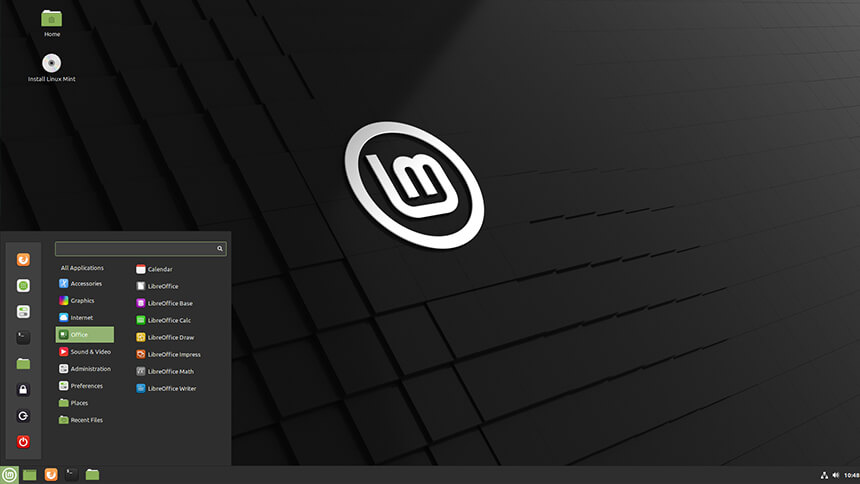
Most modern Linux distributions run comfortably on hardware that Windows 11 won’t touch, they’re free, and they receive regular security updates from an active open-source community. Two distributions make the switch easy if you’re coming from Windows:
- Linux Mint uses a start menu and taskbar layout close to what you already know, which makes it a comfortable first step away from Windows.
- Zorin OS lets you customise the desktop to resemble older versions of Windows, which helps things feel familiar straight away.
If you’re not ready to retire the PC entirely, Linux also opens up some practical second-life uses: a home file or media server (we recommend Plex for media streaming), a learning machine for anyone getting into programming or system administration, or a refurbished donation to a school or community centre.
We can help with the Linux installation and setup, or if the machine has genuinely reached the end of its life, recycle it properly through our e-waste recycling service.
Need Help Deciding?
Whether you need your PC checked for Windows 11 compatibility, an upgrade to Windows 11, a switch to Linux, or old hardware recycled, we can help. Contact us and we’ll get you sorted.
For the official details, see Microsoft’s Windows 10 lifecycle page.