




A damaged laptop screen is one of those things that feels more serious than it usually is. The good news is that in most cases it’s a straightforward repair, and once it’s done, your laptop is back to exactly how it was before. Here’s how to understand what’s going on and what your options look like.
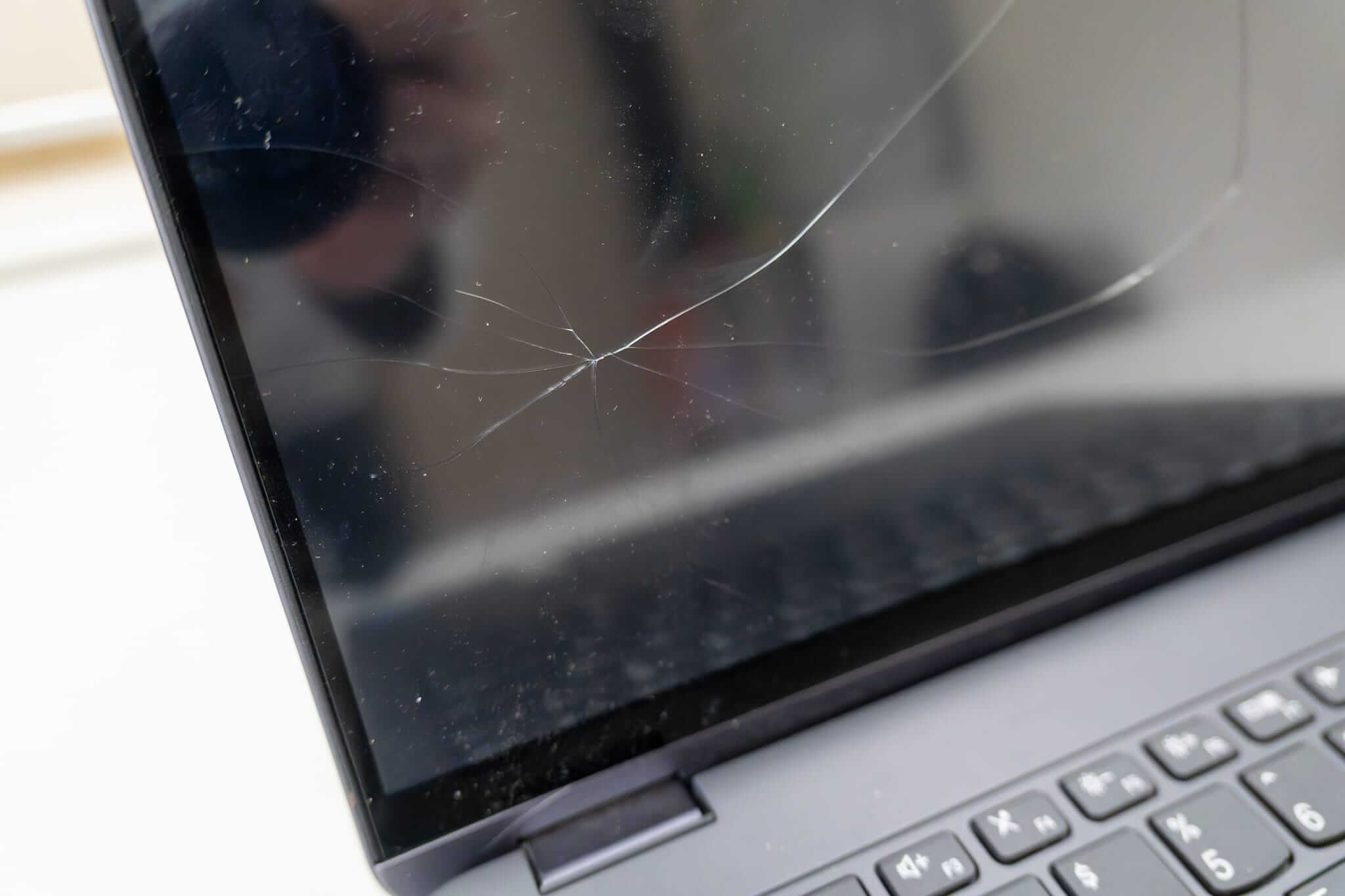
What kind of screen issue are you dealing with?
Screen problems tend to fall into a few clear categories. Knowing which one you’re dealing with helps us give you a more accurate assessment before you even come in.
- Cracked or shattered: Visible cracks or broken glass, usually from a knock or drop. Often has dark spreading patches from the point of impact.
- Black or no image: The laptop powers on normally but nothing appears on screen, or there’s a faint backlight glow with no visible image.
- Flickering display: The screen flickers, dims, or flashes intermittently, sometimes only at certain angles or when the lid is adjusted.
- Lines or distortion: Horizontal or vertical lines running across the screen, or sections that look discoloured or scrambled.
- Dark patches or bleed: Areas of the screen that appear darker than the rest, or light bleeding in from the edges on darker backgrounds.
- Unusually dim display: The screen looks washed out or low-contrast even at full brightness, often a backlight issue.
Is it definitely the screen, or could it be something else?
It’s a fair question, and worth checking before assuming the screen needs replacing. Some display issues are caused by a loose cable in the hinge area, a graphics driver fault, or an internal connection that’s come slightly loose. None of these require a screen replacement.
A simple way to check at home: plug your laptop into an external monitor using HDMI. If the external display works normally, the issue is almost certainly isolated to your laptop screen, which is a straightforward repair.

Is a screen replacement worth doing?
In most cases, yes, especially if the rest of the laptop is working well. A screen replacement restores your laptop to full working condition, and for most machines the cost is considerably less than buying a replacement device.
It makes the most sense when your laptop is under six years old and otherwise running well. If there are other factors at play, we’ll give you an honest assessment before any work begins.
What does the repair involve?
A screen replacement involves carefully removing the damaged panel, sourcing a compatible replacement matched to your exact make and model, fitting the new screen, and testing it fully before your laptop is returned. Most standard screen replacements are completed same-day or next-day, depending on parts availability.
Labour for a laptop LCD screen replacement starts from $210 inc GST, with parts quoted separately depending on your device. Everything is confirmed with you before any work starts.
Frequently asked questions
How long does a screen replacement take?
Most screen replacements are completed same-day or next-day. We’ll confirm the timeframe with you before any work begins.
Will the replacement screen look the same as the original?
Yes. We source compatible panels matched to your laptop’s original screen specification. Resolution, brightness, and finish are matched as closely as possible to the original.
How much does a screen replacement cost?
Labour starts from $210 inc GST. Parts are quoted separately and vary depending on your laptop’s make and model. We’ll confirm the full cost before any work begins.
Do you repair MacBook screens as well?
Yes. MacBook LCD screen replacements start from $210 inc GST in labour. Parts are quoted separately based on your specific model.
Will my data be safe during the repair?
A screen replacement doesn’t affect your data at all. That said, having a current backup is always a good habit before any repair.