




If you’ve decided to get your laptop’s hinge looked at — or you’re just trying to understand the process before committing — this guide walks you through exactly what to expect from first contact through to collection.
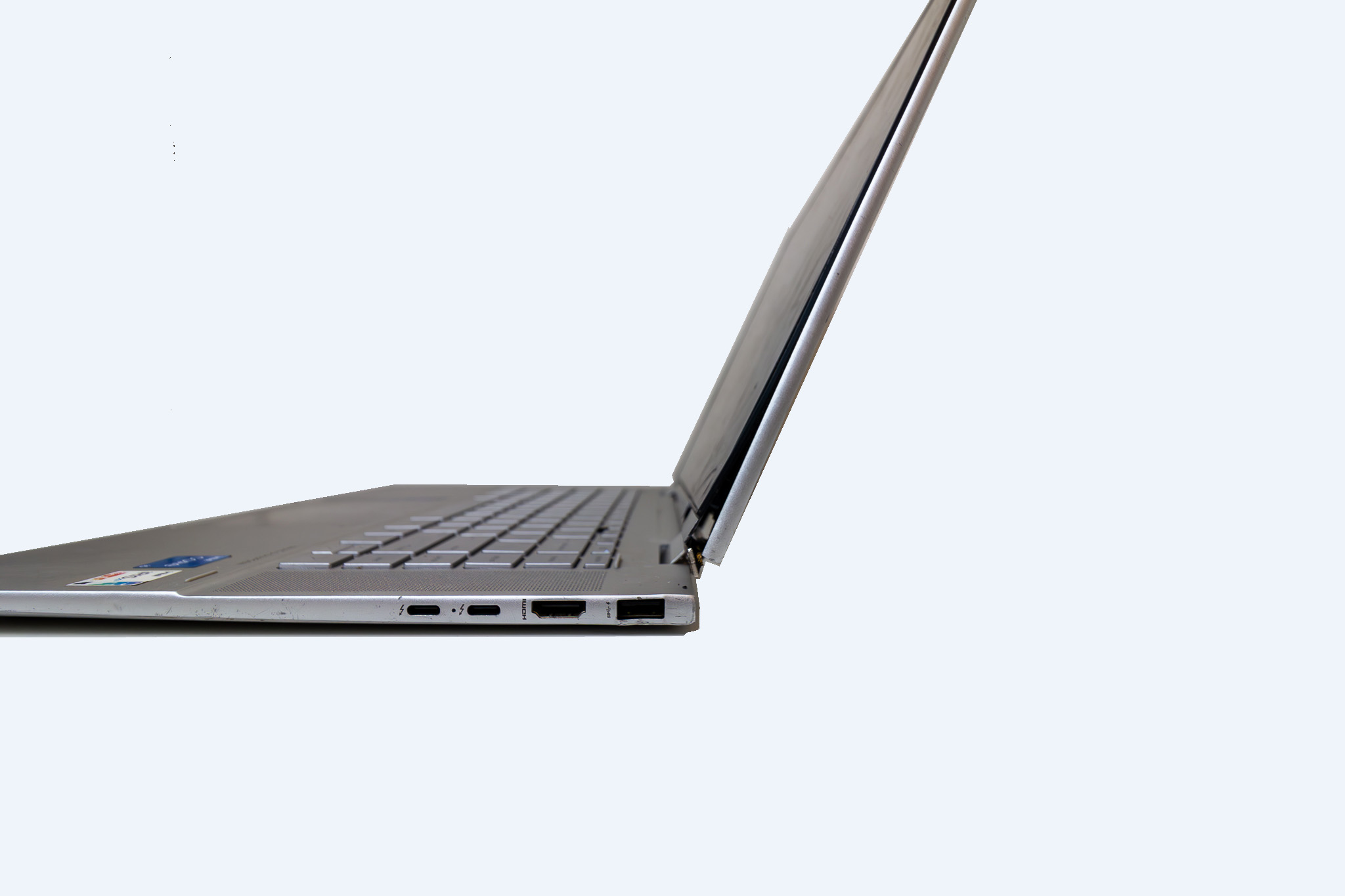
Step by step — how the repair works
1. Get in touch and describe the issue
You can reach us by phone, text, or by submitting the contact form on our website — the form is our preferred method as it lets you share your device details and a photo or video of the issue upfront, which means we can usually provide a quote without much back and forth.
2. Confirm your quote and book an appointment
For hinge repairs, we can typically provide a quote based on your laptop’s make and model before you come in. Labour is $199 inc GST, with parts quoted separately once we’ve confirmed availability. We’re appointment-only, so once the quote is confirmed we’ll lock in a time that works for you.
3. Drop off your laptop
At drop-off, we’ll confirm the issue, run through the expected timeline, and make sure you leave with a clear picture of what happens next. Please bring your charger or power adapter. We work through jobs in order — you’ll always know what to expect and when.
4. Parts are ordered and the repair is carried out
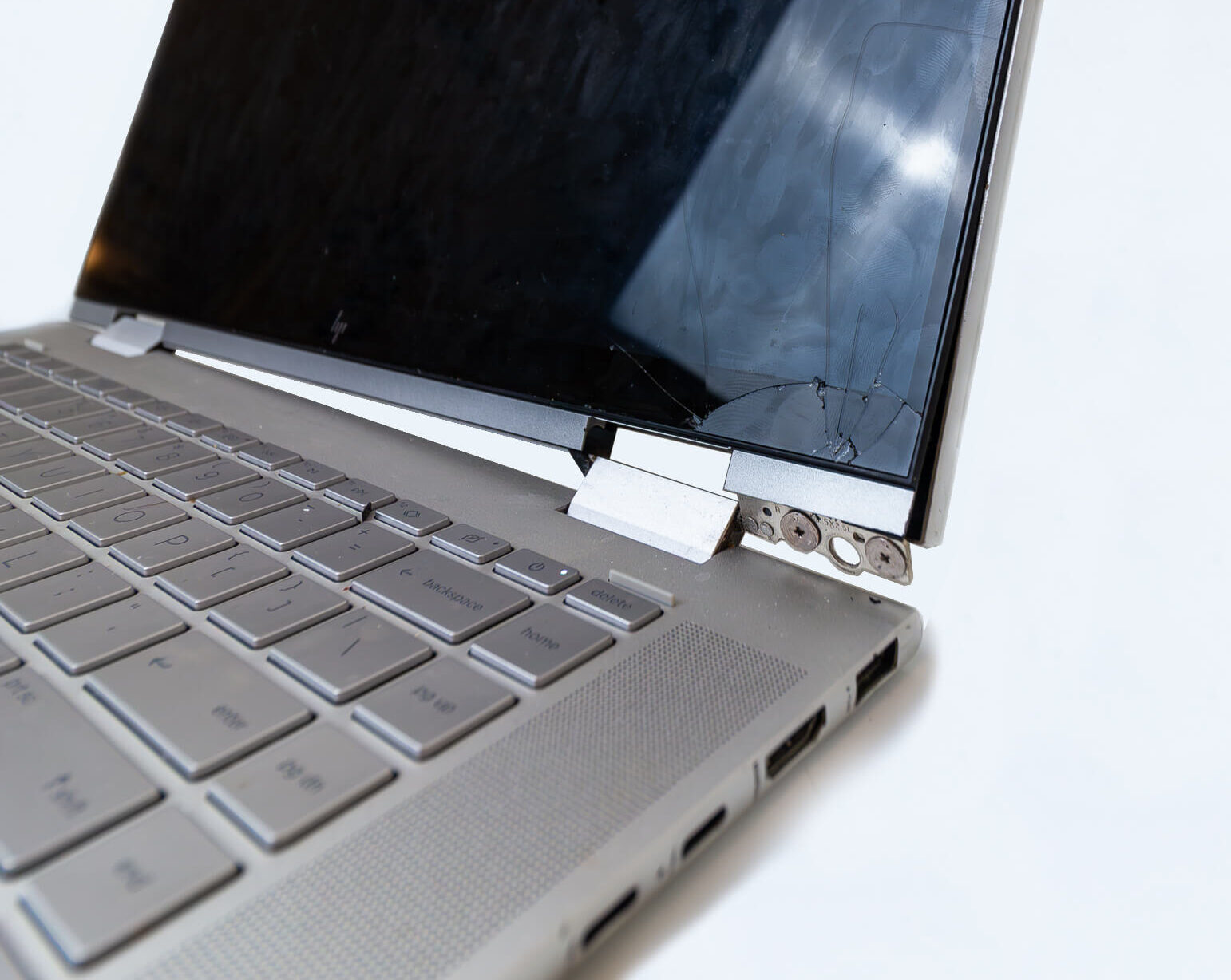
Once your job is confirmed, we order the replacement top lid cover matched to your exact make and model. Once parts arrive, the repair is carried out and your laptop is fully tested before we contact you.
5. We let you know it’s ready
When your laptop is ready, we’ll contact you via your preferred method — phone, text, or email. A Xero tax invoice will be sent at this point, which you’re welcome to pay online by card, Google Pay, Apple Pay, or direct deposit.
6. Collect your laptop
Come in at a time that suits you. We’ll walk you through what was done and make sure you’re happy with the result. EFTPOS and cash are also accepted on collection.
What to bring to your appointment
- Your laptop
- Your charger or power adapter
- Your Windows PIN — we may need to access the system to run tests after the repair
How long will it take?
Turnaround depends on parts availability. For models where the top lid cover is in stock locally, most repairs are completed within a few business days. If parts need to be ordered from overseas, a two to three week lead time may apply. We’ll give you a clear timeline at the time of booking.
Frequently asked questions
Do I need an appointment or can I just walk in?
We’re appointment-only. This means your job is expected, prepared for, and worked through in order. Booking is easy via phone, text, or the contact form on our website.
Will you start work before I approve the quote?
Never. We confirm the full cost — including parts — before any work begins or parts are ordered. You’re always in control of the decision.
What payment methods do you accept?
You can pay online via the invoice by card, Google Pay, Apple Pay, or direct deposit — or by EFTPOS or cash when you collect.